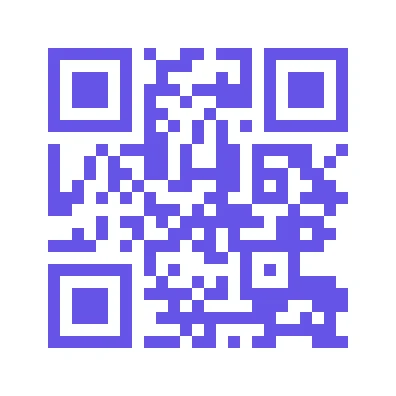

Enter a URL or text, choose a code color and file format, and generate a QR code you can download. Open Link to QR Code.
Enter the exact destination
Paste a complete link or the text you want the code to contain into the tool-page form, then select Continue.
For a web address, include https:// and check the spelling. The code stores what you provide; it does not repair an incorrect destination.
Choose a readable color and format
In the editor, choose the code color and PNG, JPG, SVG or PDF output.
A dark code against a light background is easier to distinguish. Keep the clear margin around the code when placing it in a design.
The example in this guide
Link: https://example.com/; Code color: #6654e8
- Input
- Editable text
- Output
- 396 x 396 px
- Input file
- 20 bytes
- Downloaded file
- 1,484 bytes
Generate and scan the code
Select Start, download the result and scan the saved code with another device.
Keep the downloaded copy before starting a new task. Refreshing an editor or download page returns to the main tool page; normal Back navigation can restore the current workflow.
Test the final printed or displayed size. Dense, long text needs more space; a short link is often easier to use.
Common questions
What should I check in the downloaded result?
Test the final printed or displayed size. Dense, long text needs more space; a short link is often easier to use.
How does Link to QR Code work?
Enter a URL or text, choose a code color and file format, and generate a QR code you can download.
Can I change the link after downloading the code?
The code contains the original text. To encode a different address, create a new code; this tool does not provide a managed redirect.
Try your own idea or address.
Try a sample or use your own file, and review the result before sharing.