

Upload a GIF and adjust its color-quality setting while retaining the animation in GIF output. Open GIF Compressor.
Choose a quality level
Open GIF Compressor and select Choose images, drag in a supported file, or use the sample. On a phone, open Settings to reach the same controls.
Move Image quality while watching the active image preview and size estimate. Start with a moderate reduction, then inspect fine edges, lettering and flat color areas.
The preview is an estimate from the browser. The final server encoder can produce a different file size; judge the downloaded result.
Handle a batch deliberately
Use the source thumbnails above the image to select a file. Keep Use these settings for all images enabled for one shared setting, or disable it for individual values.
A photograph and a diagram often need different settings. Do not force the smallest value across a mixed batch without reviewing it.
The example in this guide
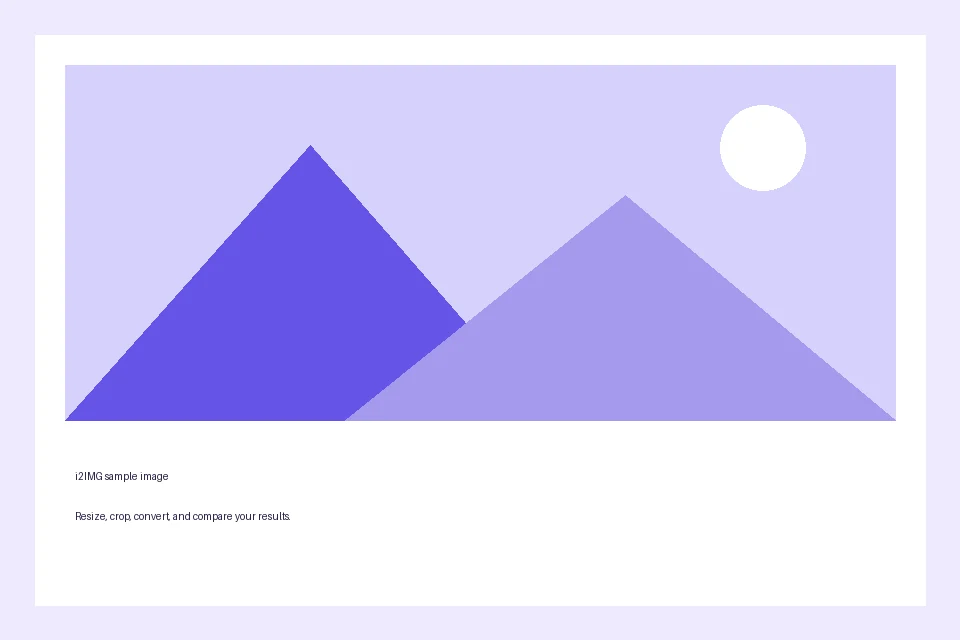
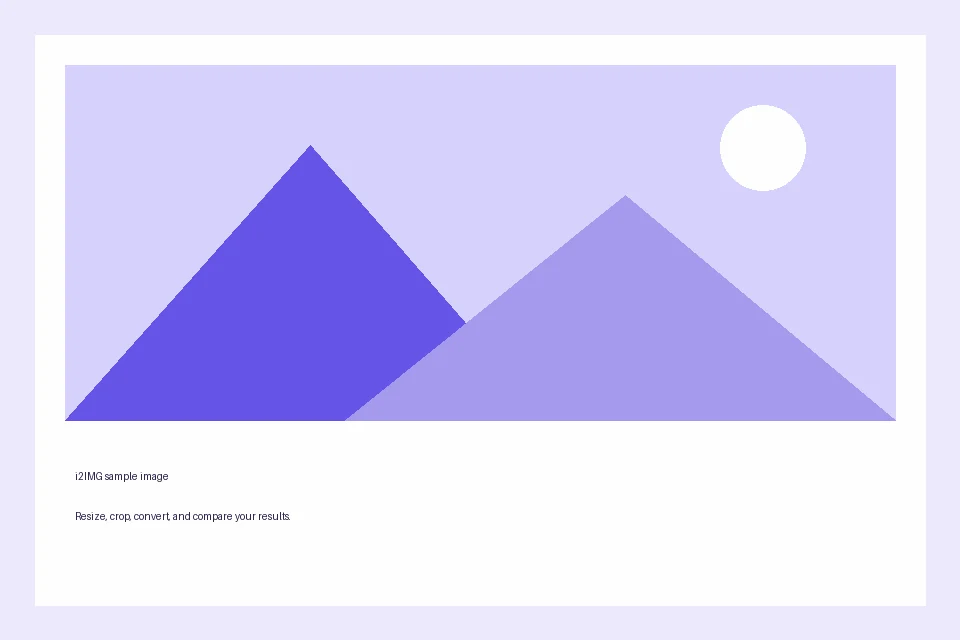
Image quality: 65
- Input
- 960 x 640 px
- Output
- 960 x 640 px
- Input file
- 18,118 bytes
- Downloaded file
- 17,139 bytes
- Measured size change
- 5.4% smaller
Read the compression result
Select Start, then compare the original and output byte counts in the compression summary.
Keep the downloaded copy before starting a new task. Refreshing an editor or download page returns to the main tool page; normal Back navigation can restore the current workflow.
An already optimized image can have little room for reduction. A larger output is possible; the actual measured result matters more than a slider position.
Common questions
What should I check in the downloaded result?
An already optimized image can have little room for reduction. A larger output is possible; the actual measured result matters more than a slider position.
How does GIF Compressor work?
Upload a GIF and adjust its color-quality setting while retaining the animation in GIF output.
Is the preview size the exact downloaded file size?
No. The preview is an estimate from a bounded browser rendering. The final file is produced separately; check its downloaded size and visual quality.
Try this with your own file.
Try a sample or use your own file, and review the result before sharing.