

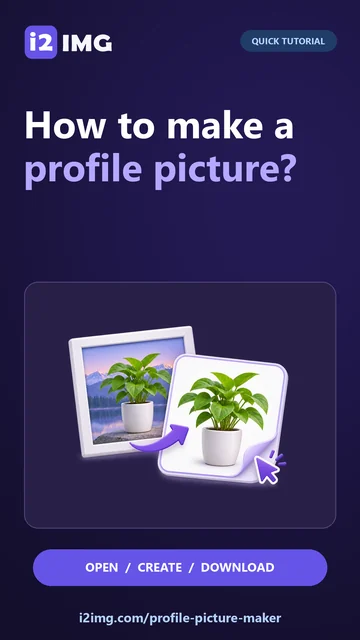
Upload a JPG, PNG, WebP or HEIC portrait, remove its background, then create a circle or square profile picture with backgrounds, borders and text. Download the finished design as PNG. Open Profile Picture Maker.
Prepare a portrait
Open Profile Picture Maker and select Choose images, drag in a supported file, or use the sample. On a phone, open Settings to reach the same controls.
Upload a portrait and use the subject and framing controls to isolate the person.
A face with space around the hair and shoulders is easier to frame. The result begins with a visible gradient background so the design controls are easy to discover.
Build the profile design
Adjust the subject position, frame, background, border and optional text before downloading.
Preview the picture at avatar size. A simple background and generous face area usually read more clearly than small decorative text.
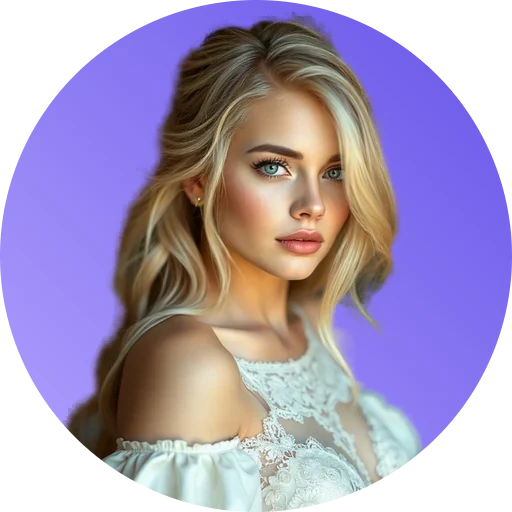
The example in this guide
Subject: General subject
- Input
- 512 x 512 px
- Output
- 512 x 512 px
- Input file
- 27,430 bytes
- Downloaded file
- 381,932 bytes
Inspect and save
Review the cutout edges and final composition, then download the PNG.
Keep the downloaded copy before starting a new task. Refreshing an editor or download page returns to the main tool page; normal Back navigation can restore the current workflow.
The profile controls are part of creating the image. The initial cutout is a starting point, not a finished design.
Common questions
What should I check in the downloaded result?
The profile controls are part of creating the image. The initial cutout is a starting point, not a finished design.
How does Profile Picture Maker work?
It first removes the background from your portrait. The result opens in a live designer where you can adjust the frame, portrait, background, border and text before downloading PNG.
Can I switch from a circle to a square without losing the portrait?
Yes. Both frames use the same preserved rectangular cutout. Switch Circle or Square in the designer and reposition the portrait as needed.
Try this with your own file.
Try a sample or use your own file, and review the result before sharing.