


Select a square area and download a circular PNG with transparent corners. Open Circle Image Cropper.
Position the round selection
Open Circle Image Cropper and select Choose images, drag in a supported file, or use the sample. On a phone, open Settings to reach the same controls.
Move and resize the circular selection so the subject fits comfortably inside it.
The corners outside the circle become transparent in PNG. Check hair, ears and shoulders near the circular edge.
Keep enough space around the subject
Review the circle at the size it will actually be used. Small avatars need a simple, centered composition.
The circular crop is not background removal: the background inside the circle remains.
The example in this guide
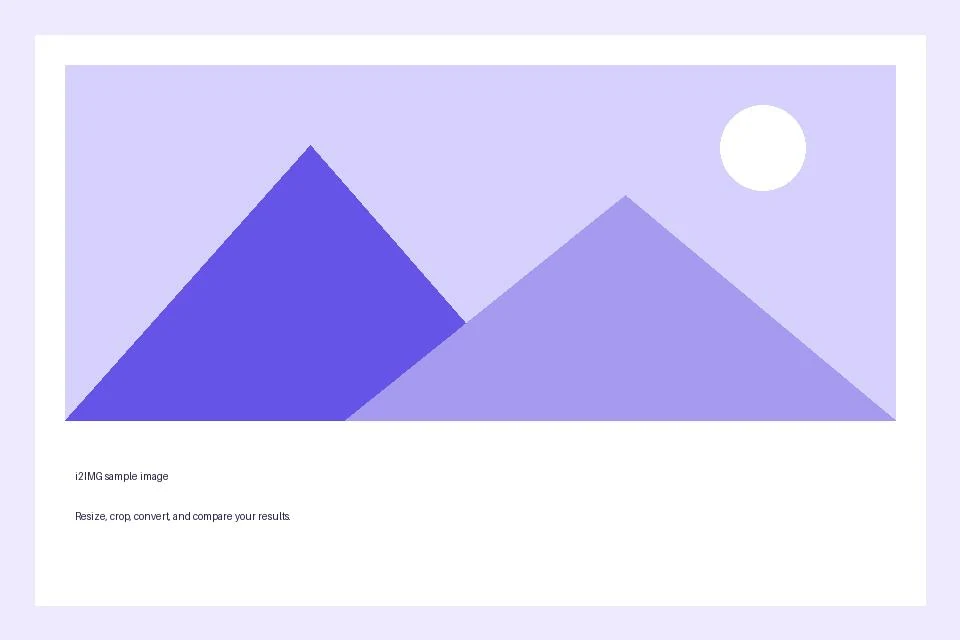
Selection: Drag bottom-right crop handle inward; Cropsummary: 463 × 463 px selected
- Input
- 960 x 640 px
- Output
- 463 x 463 px
- Input file
- 21,970 bytes
- Downloaded file
- 33,212 bytes
Save a transparent PNG
Select Start and download the PNG result.
Keep the downloaded copy before starting a new task. Refreshing an editor or download page returns to the main tool page; normal Back navigation can restore the current workflow.
Use a destination that supports PNG transparency. Converting this result to JPG introduces a solid background.
Common questions
What should I check in the downloaded result?
Use a destination that supports PNG transparency. Converting this result to JPG introduces a solid background.
How does Circle Image Cropper work?
Select a square area and download a circular PNG with transparent corners.
Does cropping also resize the selected region?
No. The crop chooses source pixels. Use Resize Image afterward when you need a specific output width or height.
Try this with your own file.
Try a sample or use your own file, and review the result before sharing.