

This example keeps the sample image at its original dimensions and checks the actual PNG file after conversion. Open HEIC to PNG.
Upload your HEIC or HEIF image
Open HEIC to PNG and upload a HEIC or HEIF file, or try the sample. Wait for the decoded preview, then inspect the photo. In a batch, choose a thumbnail above the viewer to change the active image.
File format is fixed to PNG. There is no JPG quality slider because PNG uses lossless output encoding. The rendered pixel data is not subjected to another JPEG-style lossy export; this does not mean every HEIC container feature is retained.
Lossless PNG encoding cannot recreate details absent from the source image.
Keep dimensions or choose a smaller fit
Use Original size to preserve the decoded pixel dimensions. Fit presets and Custom maximum size can reduce dimensions while keeping proportions. A smaller source is not enlarged to meet the maximum size.
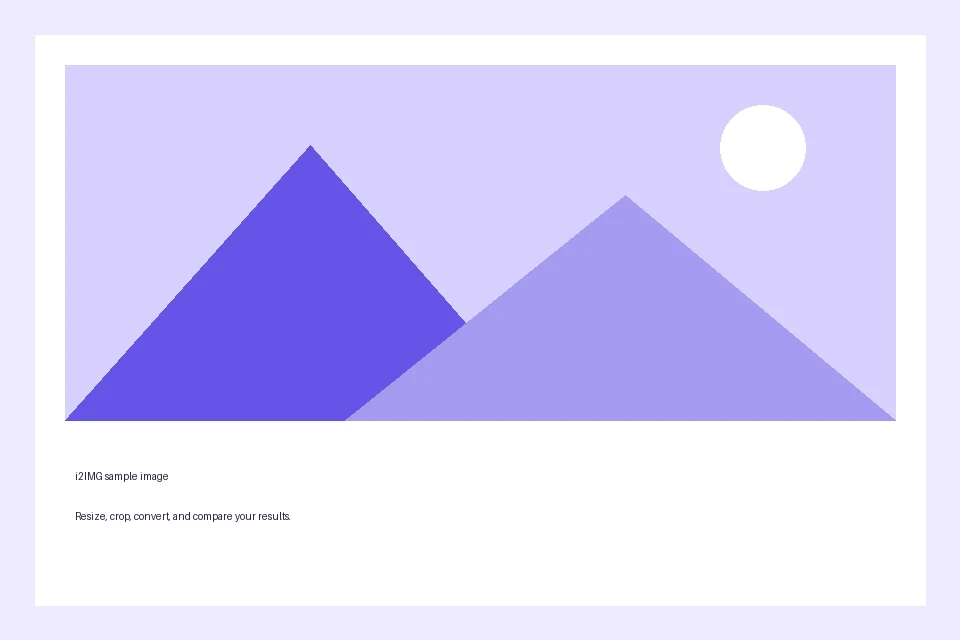
The example uses Original size. Both input and output are 960 x 640 pixels. The PNG is 14,340 bytes for this simple test artwork, compared with a 27,779-byte HEIC. This is a measured example, not a promise that photo conversions will be smaller.
Under More options, Photo metadata defaults to Remove metadata. Keep available EXIF metadata retains supported tags where the output encoder can store them. Resolution (DPI) can retain the source value or be set from 36 to 600 without changing the pixel count.
Removing EXIF does not erase information visibly photographed inside the image.
The example in this guide
File format: PNG; Image size: Original size; Photo metadata: Remove metadata; Resolution (DPI): unchanged/default.
- Input
- 960 x 640 px
- Output
- 960 x 640 px
- Input file
- 27,779 bytes
- Downloaded file
- 14,340 bytes
Save the PNG and verify it
Select Start, then download the PNG for one input or download and extract the ZIP for multiple inputs. Filenames retain their source basenames where possible.
Open the saved PNG in the destination app. Check dimensions and any transparent edges against your original. The article uses WebP previews of the real source and output; these reading previews are not the PNG download itself.
Save the downloaded file before leaving. Refreshing an editor or download page returns to the main tool page.
Common questions
Is this completely lossless?
PNG encoding is lossless for the exported pixels. The HEIC is decoded to an 8-bit SDR still image, so higher bit depth, HDR, motion and other container features are not preserved.
Will PNG improve a blurry photo?
No. Conversion changes the file format, not the amount of detail or the source resolution.
Why can PNG become larger?
HEIC and PNG use different compression methods. Photos can require much more space in PNG despite identical pixel dimensions.
Can I convert a group of photos?
Yes. Upload up to 20 supported files of 25 MB each. The same options apply to every image and results are collected in a ZIP. Source and aggregate resource limits also apply.
Try the workflow with your own image, and keep your original file for future edits.
Try a sample or use your own file, and review the result before sharing.