- Input
- JPG, JPEG, PNG, WebP, GIF, BMP, TIFF, HEIC and HEIF
- Output
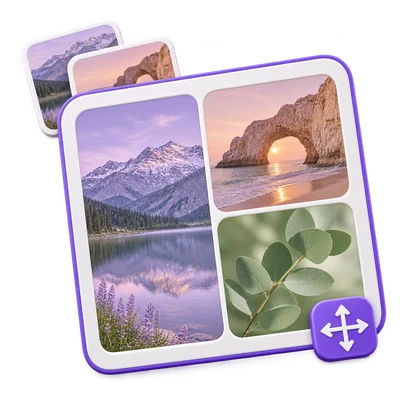
- One PNG, JPG or WebP collage
25 MB maximum per file. Up to 20 input files per run. 500 MB maximum combined upload.
Each source is limited to 60 megapixels, with a 240-megapixel combined source budget. The output canvas is limited to 8000 pixels per edge and 32 megapixels total. Animated and multi-image inputs contribute their first still frame.
The browser displays the composition while you edit. Unsupported browser formats may be uploaded to prepare a preview. Selecting Start uploads the source images and layout for the final server-rendered collage; no AI processing is used.
Files are processed on the server. Preview preparation may also upload a file when browser decoding is unavailable or a document preview is needed. Server downloads are available to your session for up to two hours.
For an image result, use Continue to below the download results to choose a compatible next step. You can select which images to carry over; the next tool starts with its own settings.
Refreshing an editor or download page returns you to the tool page. Download the result before starting a new workflow. See our Privacy Policy for file handling.