

Upload a JPG or PNG, brush over an unwanted object and select Remove. Review the updated image in the same editor, repeat for other areas, then download PNG. Open Remove Object from Image.
Paint the unwanted area
Open Remove Object from Image and select Choose images, drag in a supported file, or use the sample. On a phone, open Settings to reach the same controls.
Adjust the brush size and paint over the object you want removed. Include its relevant edge or shadow if that also needs to disappear.
Use a small brush near details you want to keep. The transparent brush cursor shows the area that will be marked.
Remove and inspect
Select Remove. The updated image stays in the editor so you can inspect it and paint another area.
Several small passes are often easier to judge than one large painted region. Check repeated textures and edges after each change.
The example in this guide
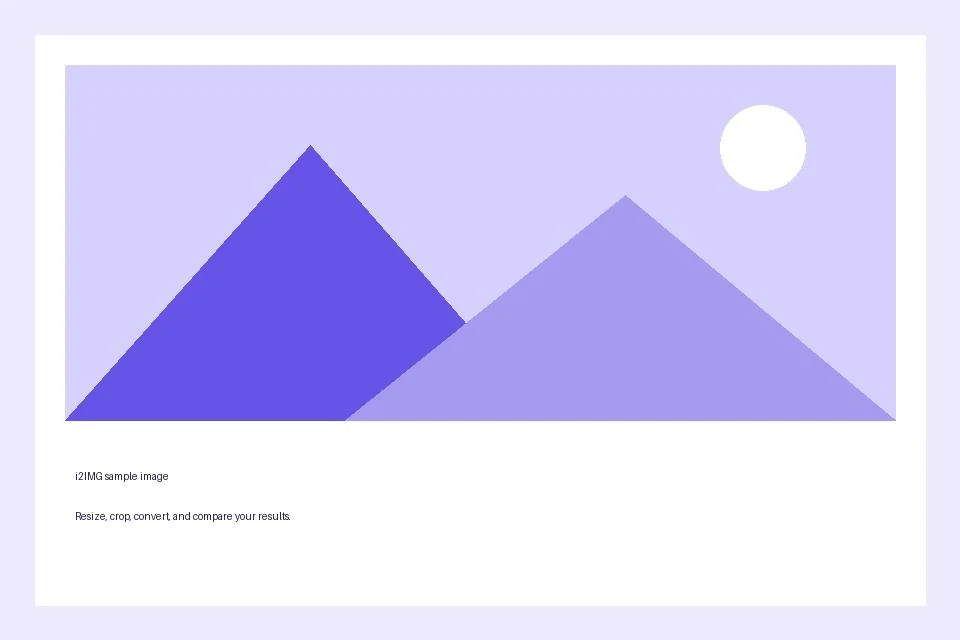
Brush size: 70; Selection: Paint over the bright circle
- Input
- 960 x 640 px
- Output
- 960 x 640 px
- Input file
- 21,970 bytes
- Downloaded file
- 94,166 bytes
Use history before downloading
Use Undo or Redo to compare removal passes. Download the final image from the editor when satisfied.
Keep the downloaded copy before starting a new task. Refreshing an editor or download page returns to the main tool page; normal Back navigation can restore the current workflow.
The replacement is generated content. Keep the original if the image will be used to document an event or condition.
Common questions
What should I check in the downloaded result?
The replacement is generated content. Keep the original if the image will be used to document an event or condition.
How does Remove Object from Image work?
Brush over an unwanted area and select Remove. The edited result stays in the same workspace so you can repeat the process, undo changes or download PNG.
Does painting immediately remove an object?
No. Painting marks the area. Only Remove sends a processing request and changes the image.
Try this with your own file.
Try a sample or use your own file, and review the result before sharing.